

Electronic Wing E WING X

Language

Take flight

Electronic Wing Magazine

Blog.

How do I build a website that brings clients?How much should I spend on paid ads?When does my company need a system?How do I create an identity that lasts?

Business owners’ questions, answered from the field. Practical articles written from real delivery experience: you read them in minutes and leave with a rule you can apply today.

1ReadA short practical article with no filler, read in minutes.
2UnderstandAn illustration that explains the idea instead of words alone.
3ApplyA quick rule you carry out in your project today.
Start from the opening article
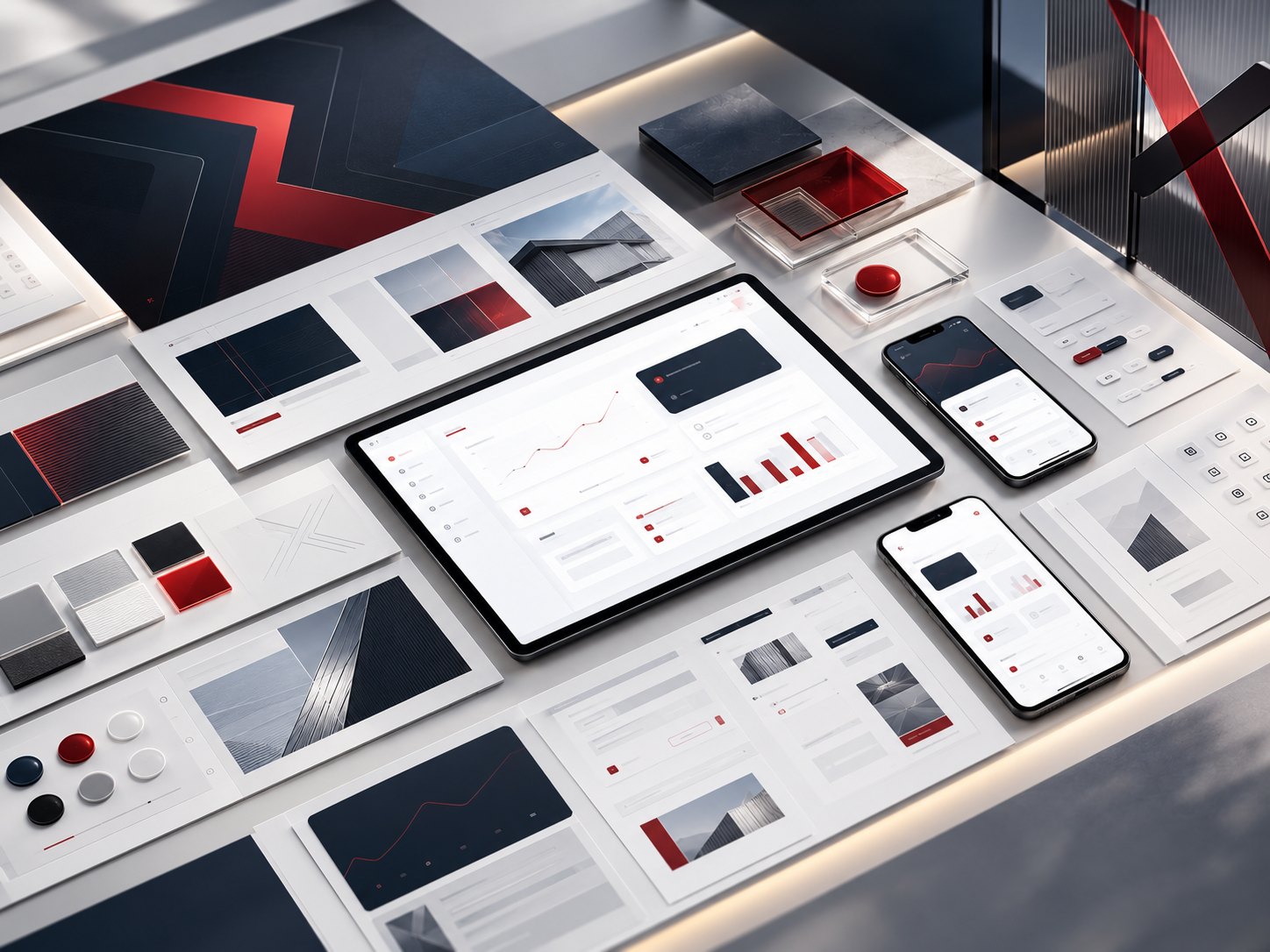
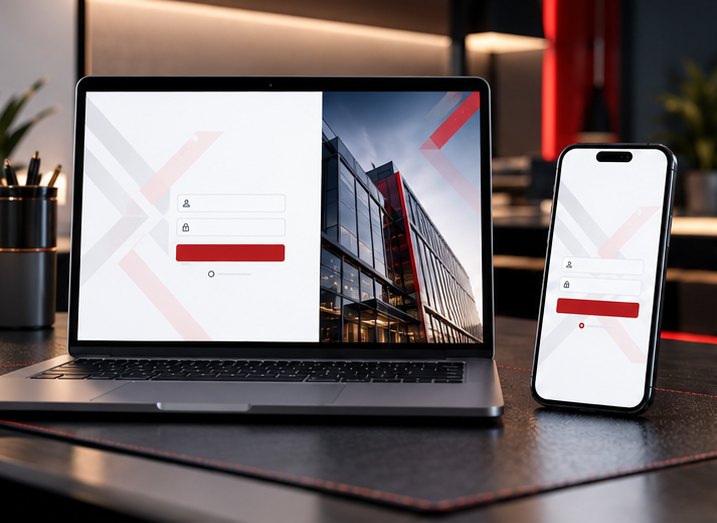
A login screen on a laptop and a phone with a red identity
More conversionsMobile-readyLoading speed

Opening article · Digital presence

Designing a Company Website: The Complete Guide from Idea to Launch

Most companies treat their website like a digital brochure, yet it is the first thing a client sees before they ever call you.

Author: The Electronic Wing X teamReading time: 3 minUpdated: October 2026
Read the article3 min

Reading room

Choose your article

Click any title: the display changes and the full article appears below.

Digital presence

Designing a Company Website: The Complete Guide from Idea to Launch

3 minRead the full article

Digital marketing

Paid Ads Are Not a “Boost” Button: How to Earn a Return on Your Ad Budget

3 minRead the full article

Visual identity

Visual Identity: How to Build a Brand That Expands Across Markets and Languages

3 minRead the full article

Restaurants

Digital Menus and Ordering Systems for Restaurants: How to Choose What Raises Your Sales

3 minRead the full article

Digital presence

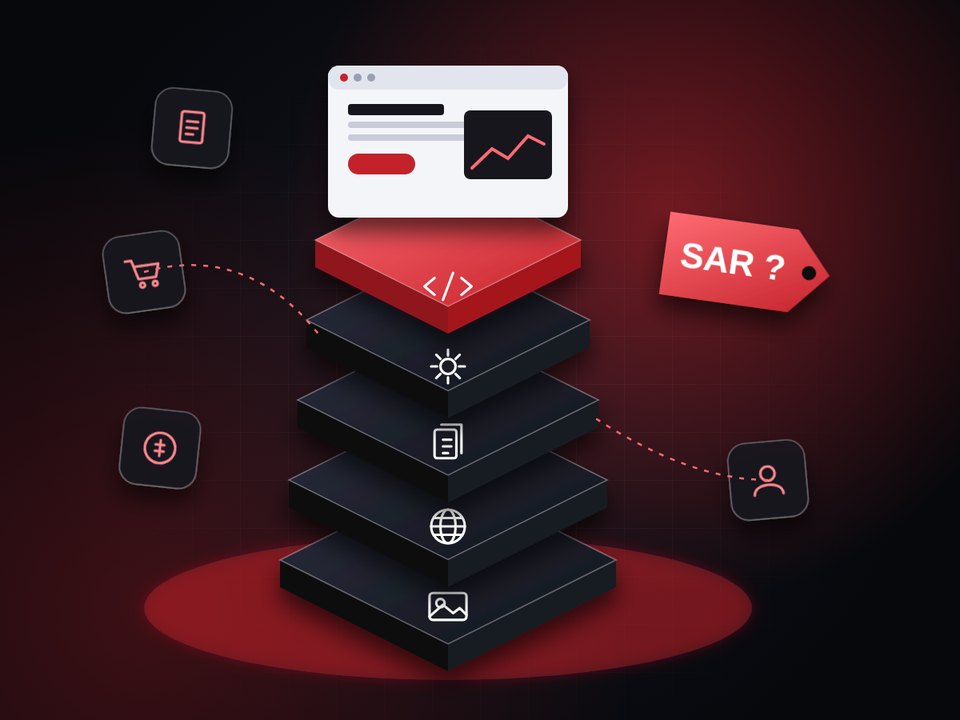
How much does a website cost? The factors that set the price

3 minRead the full article

Social media

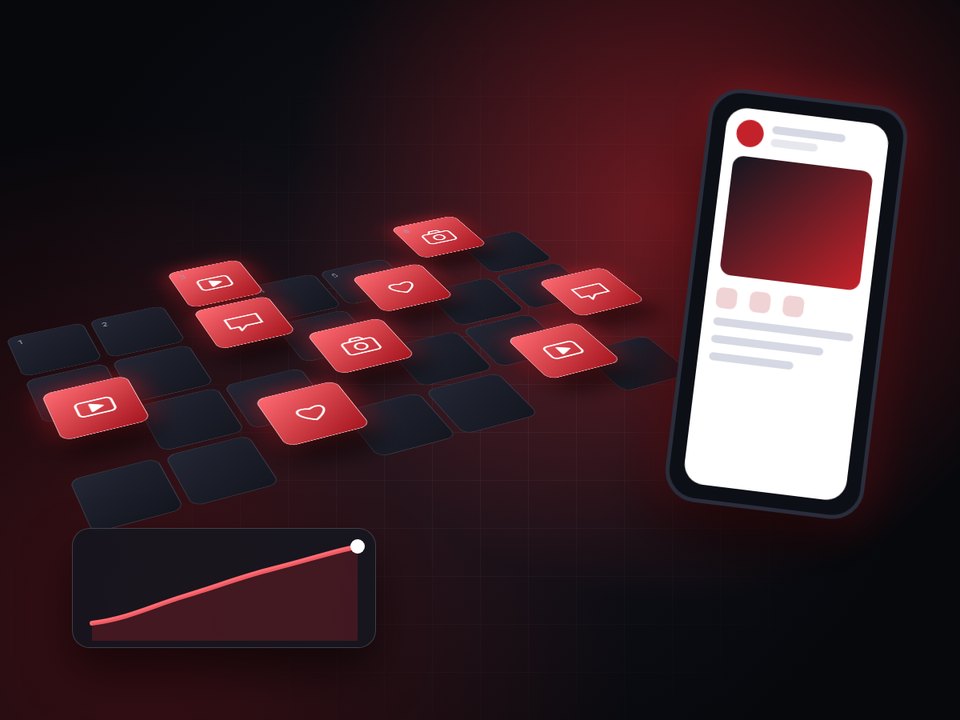
A monthly social media content plan, step by step

3 minRead the full article

Technology

When does your company need a CRM or ERP system?

3 minRead the full article

Digital presence

Designing a Company Website: The Complete Guide from Idea to Launch

Author: The Electronic Wing X teamReading time: 3 minUpdated: October 2026

Most companies treat their website like a digital brochure: beautiful pages published once and then forgotten. The truth is that your website is the first thing a client sees before they call you or visit your branch, and it works day and night on behalf of your sales team. If it is confusing, slow, or never tells the visitor what to do next, you lose the client before you know they were ever there.

A successful website is a business decision before it is a design decision.

Start with the goal, not the design

Before any colors or fonts, answer one question: what action do you want the visitor to take? Request a quote? Book an appointment? Buy? Call? A site that tries to achieve ten goals at once achieves none of them. Pick one primary action and repeat it clearly on every page.

Build the page structure around client questions

A client asks, in order: who are you? what do you offer? have you done something like my project? how do I reach you? That is why a company usually needs a home page that attracts, a separate page for each service, a portfolio page, an about page, and a contact page. Splitting services into their own pages instead of piling them onto one page helps both the reader and search, because every page answers one specific question that people type into Google.

Write the content before the design

The projects that run latest are the ones designed with placeholder text, whose owners then discover that their real copy does not fit the templates. Write the page titles, paragraphs and frequently asked questions first, then design around them. Good copy is short and specific: what do you offer? for whom? and with what result?

Design for mobile first

A large share of site visits come from phones, and Google primarily evaluates the mobile version for indexing. Test your site with your finger, not a mouse: are the buttons big enough? Is the text readable without zooming? Is the contact button visible without searching?

Speed is part of the design

Heavy images and too much motion slow the page down, and visitors do not wait. Compress images, load videos only when needed, and let motion serve the idea instead of decorating it. A site that shows its content quickly earns the visitor's trust and a better position in search.

Plan Arabic and other languages from day one

If your audience speaks more than one language, plan for it on the first day. Right-to-left direction changes the placement of elements and motion, and literal translation ruins the message. Each language needs its own URL and its own search keywords.

Improve search visibility from day one

A distinctive title and description for every page, well-ordered subheadings, internal links between pages, structured data (Schema) that helps Google understand your business, and pages delivered fully from the server rather than relying on JavaScript alone. Adding SEO after launch is harder and more expensive than building it into the site from the start.

How long do the phases take?

Time varies with the number of pages, languages and connected systems, but the path is constant: discovery and understanding of the business, then a strategy that defines the goals and page structure, then a design approved before development, then development and testing, then launch and follow-up. A project that starts with a precisely defined scope is far more likely to finish on time.

THE PATH

Mistakes that cost companies their clients

  • A site with no clear action: no visible contact button and no short form.
  • Generic copy that fits any company: "we provide the best services".
  • Outdated or incomplete contact details.
  • Neglecting mobile and speed.
  • Launching the site and then leaving it unmeasured: how many visitors? from where? what did they do?

Summary

A successful website is a business decision before it is a design decision. Define its goal, build it around your client's questions, write its content carefully, and measure its performance after launch. If you want us to build a website that works this way, we at Electronic Wing X handle the whole journey from discovery to launch and follow-up, so start your project with us.

Want to apply this to your project?

Talk to the Electronic Wing team and we start from where you stand.

Start your project

Digital marketing

Paid Ads Are Not a “Boost” Button: How to Earn a Return on Your Ad Budget

Author: The Electronic Wing X teamReading time: 3 minUpdated: October 2026

Many people press "Boost post" and then wait for sales. The numbers appear: thousands of impressions, hundreds of likes, and then no orders. The problem is not the platform, but the belief that advertising is a button you press. Paid advertising is a small system with a goal, an audience, a test and a measurement, and whenever one of these links is neglected, the budget leaks out of it.

Paid advertising is a small system with a goal, an audience, a test and a measurement.

Visibility is not results

Platforms are happy to increase your impressions because they are easy to measure. What matters to you is what happens after the impression: a call, a booking, an order, or a sign-up. So before you spend a single riyal, define the result you want and how much you can pay for each result and still make a profit. That number is your compass.

Step one: strategy

What are you selling? To whom? And what offer makes people act now? Good strategy comes before the ad: defining the ideal client, the main message, and the page the visitor will land on. An excellent ad that leads to a confusing page wastes your money twice.

Step two: the right audience

The widest audience is not the best audience. Target people who resemble your current clients, those who visited your site or engaged with your accounts before, and those who actually live within your service area. Precise targeting lowers the cost per result because you are not paying for people who will never buy.

Step three: test, then improve

Nobody knows in advance which image, headline or offer will win. So we start with several small versions of the ad, let them run long enough, then stop the weakest and keep the strongest. The rule: change one element in each test, otherwise you will not know what improved the result.

THE LOOP
A systemnot a button 1 · Strategy 2 · Audience 3 · Testing 4 · Scaling

Step four: scale only what works

When a version proves that it delivers results at an acceptable cost, raise its budget gradually and do not double it at once, and watch whether the cost stays stable. Rushed scaling often breaks performance.

No ads without measurement

Make sure tracking tools (such as the platform pixel and the conversion event) are installed before launch. Without them, you know how many clicks you got but not how many clients. Review the report every week with simple questions: how much did we spend? how many results did we get? what did each result cost? which ad is best?

Common mistakes

  • Spending before defining the goal.
  • Sending the ad to the home page instead of a page dedicated to the offer.
  • Judging a campaign after two days.
  • Changing everything at once and then not knowing the cause.
  • Forgetting the successful ads and letting them run until their audience is exhausted.

Summary

Paid advertising is not an expense but an investment that needs a plan and discipline. Start with a clear goal, follow it with a precise audience, test calmly, and scale what proves itself. If you want a team to manage this and give you clear reports, Electronic Wing X builds your campaigns on this method.

Want to apply this to your project?

Talk to the Electronic Wing team and we start from where you stand.
Start your project

Visual identity

Visual Identity: How to Build a Brand That Expands Across Markets and Languages

Author: The Electronic Wing X teamReading time: 3 minUpdated: October 2026

A new business owner says: "I need a logo." It is more accurate to say they need people to recognize and trust them at first sight: in the shop, on the phone, on a business card, and in an ad a thousand kilometers away. The logo is one piece of that picture; identity is the system that makes everything you publish look as if it came from one source.

A logo is one piece of the picture; identity is the system.

A logo is not an identity

A visual identity is a system that includes the logo in its versions, the colors and the rules for using them, the typefaces, the style of images and icons, the way elements are arranged on pages and ads, and the tone of voice. Once these rules are defined, any designer or employee can produce new material that looks like your brand without asking you each time.

THE SYSTEM
Logo
Colors
Typefaces
Images
Icons
Layout
Tone

Start with meaning before form

Before drawing anything, ask: what does my brand stand for? Whom does it speak to? How does it differ from its competitors? An identity that does not rest on clear answers ends up as a beautiful shape that means nothing. Meaning is what turns later choices (color, typeface, images) into decisions rather than coincidences.

Design it to work in more than one language

A brand that serves Arab and European markets needs different thinking: a logo with an Arabic version, a Latin version and a combined version, Arabic and Latin typefaces matched in weight and personality, and layouts that work right-to-left and left-to-right without one looking like a translation of the other. Watch the colors too: some carry meanings that differ from one culture to another, so test them with the audience of each market.

Make it flexible, not rigid

A good system withstands different uses: a horizontal, a vertical and a compact logo for small icons, versions on light and dark backgrounds, a minimum size, and a clear space around the logo. A brand that does not look good on a small icon or a dark screen will sooner or later be distorted.

A usage guide protects the investment

A brand guide is a short document that says what is allowed and what is not: the official colors with their codes, the typefaces, the approved versions, and right and wrong examples. As the team grows or new partners and designers join, this guide is what separates a consistent brand from a scattered one.

How do you know your identity works?

  • A client recognizes it without reading your name.
  • It looks consistent across the website, social media, print and packaging.
  • A new employee can produce matching material from the guide alone.
  • It keeps its strength in Arabic and English and on different backgrounds.

Common mistakes

  • Designing a complex logo that cannot be read when small.
  • Choosing many colors without a usage rule.
  • Relying on Arabic and Latin typefaces that do not match.
  • Not delivering vector files (SVG and AI) suitable for every use.
  • Changing the identity every year instead of evolving it quietly.

Summary

A successful identity is a system that serves the business and grows with it, not a file that is handed over and forgotten. Start with meaning, design it for the languages of your markets, and write down its rules. If you plan to expand, we at Electronic Wing X build complete identities that hold up in every market.

Want to apply this to your project?

Talk to the Electronic Wing team and we start from where you stand.

Start your project

Restaurants

Digital Menus and Ordering Systems for Restaurants: How to Choose What Raises Your Sales

Author: The Electronic Wing X teamReading time: 3 minUpdated: October 2026

A customer walks into your restaurant and asks for the menu. The waiter brings an old sheet with a price that is no longer right and a dish that is no longer served. That small moment shows why restaurants and cafes moved to digital menus: updates in one tap, photos that sell, and faster ordering. But the right question is not "do I need a digital menu?" but "which kind suits me?".

A digital menu is an operating tool before it is a display tool.

A QR menu or a full ordering system?

The electronic menu (QR) shows items, prices and photos through a code the customer scans. It suits those who want a modern, easy-to-update menu without changing how they operate.

COMPARE

Electronic menu (QR)

  • Shows items, prices and photos
  • Easy updates without a developer
  • Takes orders from the table or for delivery
  • Connects to the kitchen and payment
  • Sales and rush-hour reports

Ordering system

  • Shows items, prices and photos
  • Easy updates without a developer
  • Takes orders from the table or for delivery
  • Connects to the kitchen and payment
  • Sales and rush-hour reports

An ordering system goes beyond display to receive orders from the table, for pickup or for delivery, and connects them to the kitchen, payment and reports. It suits those who want fewer mistakes, faster service, and an understanding of what actually sells.

Start with the first if your restaurant is small, and move to the second when the pressure grows or branches multiply.

What should you look for?

  • Ease of updating: your team can edit prices and items without a developer.
  • Languages: a menu in Arabic and English at least, and more if your customers are tourists or expatriate communities.
  • Attractive photos and descriptions: a good photo raises demand for the very same item.
  • Fast opening on mobile: the customer will not wait for a heavy PDF to load.
  • Integration: with payment, delivery and the cashier if you need a full system.
  • Reports: which items sell the most? and which hours are the busiest?
  • Technical support: who solves the problem at peak time?

Three mistakes that keep repeating

The first is replacing the paper menu with a heavy PDF that opens slowly and is hard to read on a phone. The second is choosing a platform with many features the restaurant does not need, then paying for the subscription and not using it. The third is installing the system without training the team, so everyone returns to the old way at the first rush.

The menu serves local visibility too

A digital menu is not only for the customer who is already seated. Link it to your Google Maps profile, add its link to your social accounts, and update it with every new offer. Someone searching for a "restaurant nearby" compares photos and prices before arriving.

How do you start?

  1. Define your need: display only, or orders as well?
  2. Prepare the items: names, descriptions, prices and clear photos.
  3. Try the platform at one branch or for one week.
  4. Train the team, and monitor items and orders.
  5. Update the menu regularly, and review reports monthly.

MENUTAC: the smart menu platform from Electronic Wing

When the question becomes "which system should I choose?", we suggest MENUTAC, the smart restaurant platform that operates under the Electronic Wing umbrella. It is one system that combines the digital menu, orders and operations, supports Arabic, English and Swedish, and suits a single restaurant as well as multi-branch chains.

You start with a free 14-day trial with no credit card, move between plans whenever you like, and the Electronic Wing X team stays with you through setup, operation and follow-up.

Summary

A digital menu is an operating tool before it is a display tool. Choose according to your restaurant's stage, not by the longest feature list. At Electronic Wing X we offer you the MENUTAC platform and handle setup, operation, follow-up and reports with you, so you can focus on the food and the customers.

Want to apply this to your project?

Talk to the Electronic Wing team and we start from where you stand.

Start your project

Digital presence

How much does a website cost? The factors that set the price

Author: The Electronic Wing X teamReading time: 3 minUpdated: October 2026

Most business owners ask: how much is a website? The honest answer is that the question is incomplete, because a five-page, one-language site is nothing like a platform with three languages and a booking system. A better question is: what sets the price, and where can I save without losing quality?

A good price is one matched by a clear scope.

Number and complexity of pages

A simple introduction page is different from a service page with expanded content and illustrations. Every page needs writing, design and testing, so cost grows with the number of pages and with how independent each one is.

Custom design or a ready template

A ready template is faster and cheaper, but it looks like many other sites. Custom design builds an experience that fits your brand and customers, and takes longer. The decision depends on how much the site matters to your sales: if it is your main storefront, customization is an investment, not an expense.

Languages and direction

Every extra language is not just a translation but writing, review and adjusting direction and fonts. A site in Arabic, English and Swedish takes more work than a single-language one, but it opens wider markets.

COST DRIVERS

Biggest drivers of the price (illustrative estimate)

Custom design
Systems & integrations
Number of pages
Languages
Content & images

Systems and integrations

Online payment, bookings, accounting links, a shop and dashboards: every connection adds development and testing. State these needs from the start so they do not appear as surprise costs later.

Content and images

Ready texts and professional photos save time; if you need writing and photography, count them in the budget. Weak content weakens the most beautiful design.

After launch

Hosting, the domain, maintenance, updates and backups are not free. Ask about them before agreeing, and ask for them to be listed in the offer.

How to compare quotes

  • Make sure the quotes cover the same range of pages and languages.
  • Ask what is outside the price: content, images, integrations and support.
  • Do not pick the cheapest automatically; it may hide missing work.
  • Ask for a timeline and clear delivery stages.

The bottom line

A good price is one matched by a clear scope. Define what you need, ask what is in and what is out, and start with a version that meets your goal, then expand. If you want a clear offer for your project, Electronic Wing sets the scope and stages before any commitment.

Want to apply this to your project?

Talk to the Electronic Wing team and we start from where you stand.

Start your project

Social media

A monthly social media content plan, step by step

Author: The Electronic Wing X teamReading time: 3 minUpdated: October 2026

The accounts that struggle most are those that post when they remember. A monthly plan is not a rigid schedule; it means knowing what you will post and why before the month begins, so you stop making the decision every morning.

Regular content beats abundant, irregular content.

Start with just three goals

Choose what you want from the month: more messages? Visits to the website? Brand awareness? Three goals at most, because every post must serve one of them.

Define content pillars

Pick three or four pillars your posts revolve around:

  • Educational: short tips that show your expertise.
  • Behind the scenes: your team and the way you work, since people trust who they can see.
  • Offers and services: what you sell and how it helps the customer.
  • Interactive: questions, polls and replies to customer comments.

Make the week fixed

When your team knows that Sunday is for tips and Tuesday for behind the scenes, production gets easier and audiences get used to your schedule. Repeat the same rhythm and change only the ideas.

THE WEEK

A fixed weekly rhythm

SunTip
MonOffer
TueBehind the scenes
WedQuestion
ThuClient story
FriInspiration
SatRest

Shoot once, post many times

A single shoot a month can become short clips, photos and text posts. Plan the shoot around the pillars, not around each post separately.

Measure and adjust

At the end of each week review three numbers: what earned the most engagement, what brought messages, and what did not move. Repeat the winner and drop the weak.

Common mistakes

  • A crowded schedule the team cannot keep.
  • Focusing on quantity and neglecting the message.
  • Copying the same content to every platform without adjusting.
  • Ignoring comments and messages.

The bottom line

A good plan is simple and repeatable: three goals, clear pillars, a fixed weekly rhythm and a short weekly review. If you want a team that plans, shoots and posts for you, Electronic Wing takes it from idea to publishing.

Want to apply this to your project?

Talk to the Electronic Wing team and we start from where you stand.

Start your project

Technology

When does your company need a CRM or ERP system?

Author: The Electronic Wing X teamReading time: 3 minUpdated: October 2026

Most businesses start with sheets, files and scattered messages, and that is normal. The trouble begins when orders get lost, a quote is late and nobody knows the real stock balance. Then the question becomes: which system do we need, and when?

Ask for a system when spreadsheets become a burden, not because a system looks like what big companies have.

The difference in short

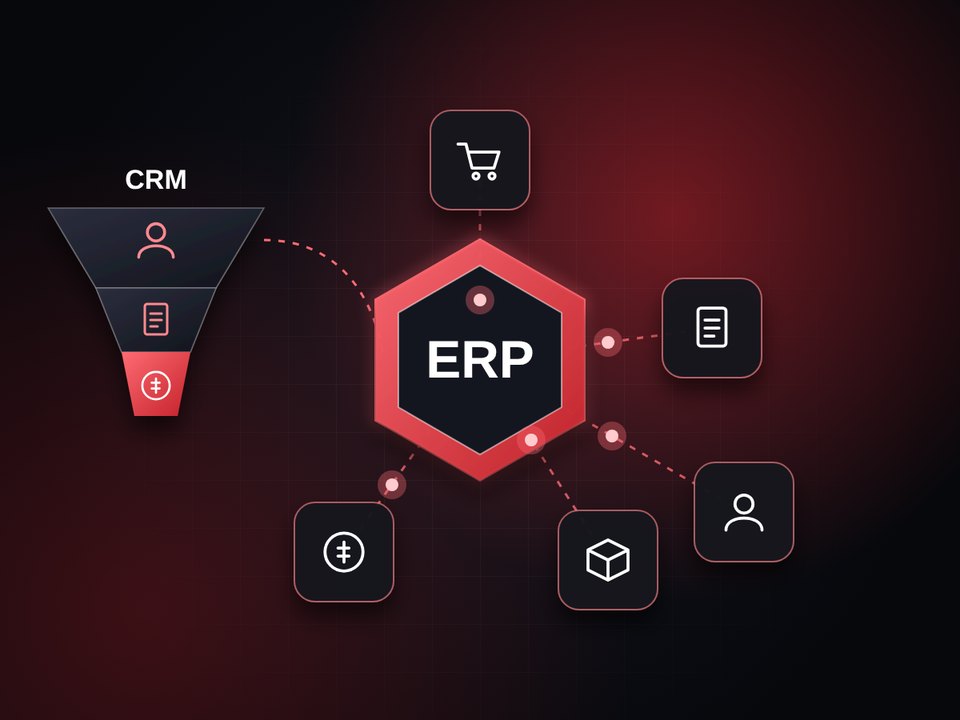
A CRM manages your relationship with customers: who showed interest, what you offered and where the deal stands. An ERP manages the inside of the company: accounting, inventory, purchasing, invoices and resources. The first serves sales; the second serves operations.

FROM LEAD TO INVOICE

Signs you need a system

  • Customer data gets lost between phones and chats.
  • You do not know where each quote stands.
  • You enter the same information in more than one place.
  • Invoices and collection are delayed by manual work.
  • You cannot get a reliable report without collecting it by hand.

Start with the problem, not the system

Write down the three problems that cost you the most time or money, then choose what solves them. Big systems bought out of enthusiasm end up half used. Start with the least that solves your real pain.

Steps to a successful rollout

  1. Define the problems and the users.

2. Pick a small scope to start, such as sales or invoices.

3. Move your data after cleaning it.

4. Train the team and name an owner of the system.

5. Measure the difference after a month, then expand.

Connect the system to what you own

The big value comes when the system connects to your website, shop and accounting so data is never retyped. Through our partnership with Almadar TECH, the authorized distributor of the Al-Ameen accounting software in the Kingdom, we connect the sites and platforms we build to accounting systems so they work as one.

Recurring mistakes

  • Buying a system before defining the problem.
  • Moving messy data as it is.
  • Not training the team.
  • Expecting a system to fix a bad process by itself.

The bottom line

Ask for a system when spreadsheets become a burden, not because a system looks like what big companies have. Start small, connect it to what you have and measure. If you need to assess where you stand, Electronic Wing helps you choose the first step.

Want to apply this to your project?

Talk to the Electronic Wing team and we start from where you stand.

Start your project

Coming up

What we write next

These are the upcoming articles in the order we will publish them. The first stop is the nearest, followed by the rest along the road.

Next articleWaiting its turn
08Stop 8

How to choose a digital marketing company: ten criteria

Next
09Stop 9

NFC business cards: how they work and where they help

Later
10Stop 10

Media coverage for exhibitions: before, during and after the event

Later
11Stop 11

How to measure your website’s success: four indicators are enough

Later
12Stop 12

Digital security for your small company: ten steps

Later

Have a question we have not written about yet?

Ask us, and it may become our next article.

Contact us